Intro
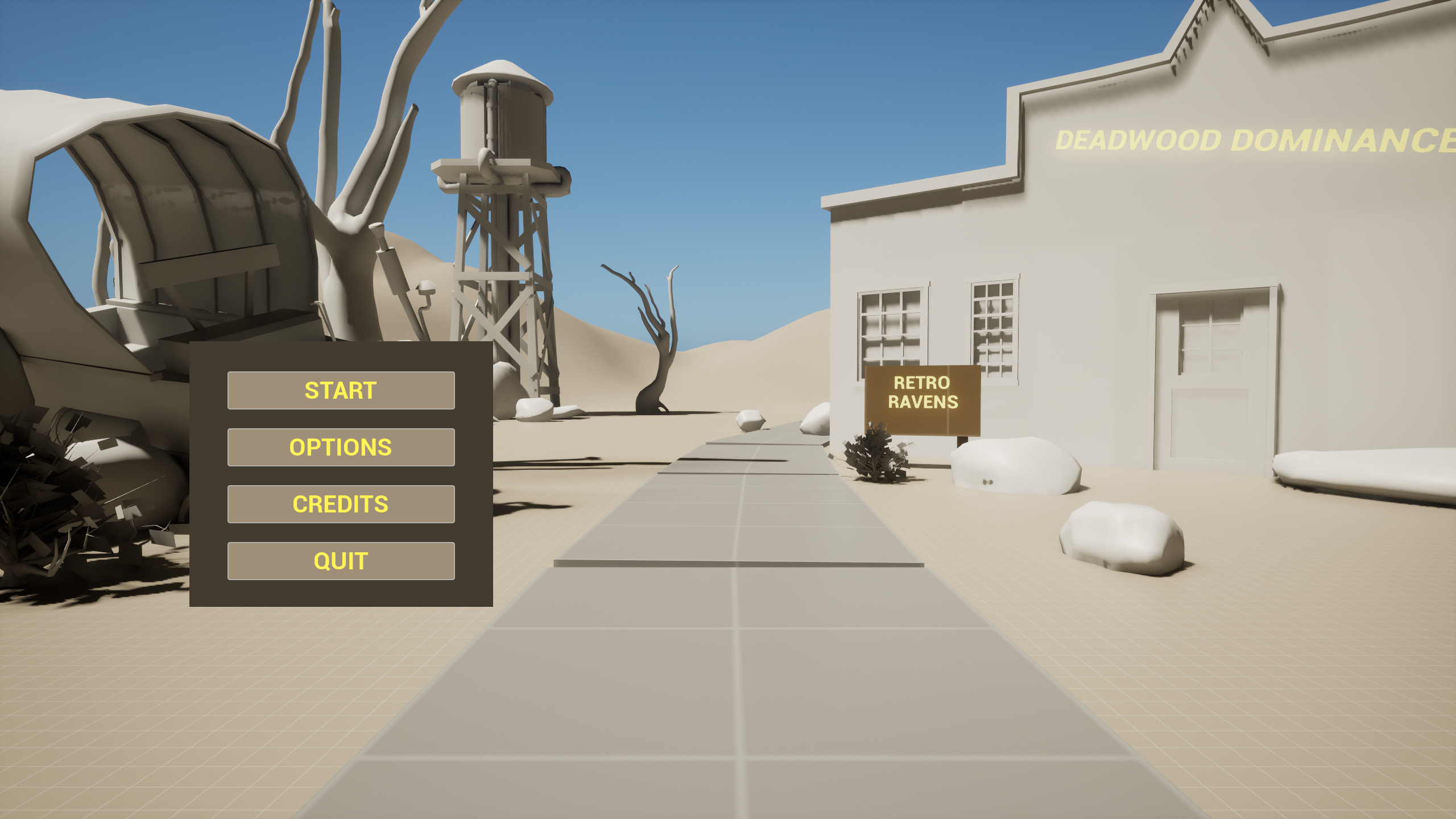
Jumping into Deadwood Dominance was my first deep dive into the game development world. I was
right there in the trenches, working on the AI - adjusting animations, tinkering with the
state machine, implementing mechanics, and synchronizing behaviors of the behavior tree with
the animations. It felt like an adventure, every day was a new learning experience.
The process was filled with countless iterations, a lot of trial and error, and a meticulous
attention to detail. But the real thrill was seeing our ideas take shape, creating gameplay
that kept players on their toes. Although Deadwood Dominance is still in its alpha stage,
the journey has been nothing short of amazing. The sense of accomplishment I feel, knowing
that I’ve contributed to the game’s immersive gameplay, is something I hold
closely.
Health
In Deadwood Dominance, one of the features I take great pride in is the health indicators for
our AI. The solution might seem straightforward now, but initially, we were at a crossroads.
Some team members suggested floating health bars above the AI, while others proposed a
static health bar for the last hit enemy at the top-center of the screen. Both options,
however, fell short. Given the hordes of zombies (AI) in our game, neither approach would
allow players to accurately gauge a zombie’s health.
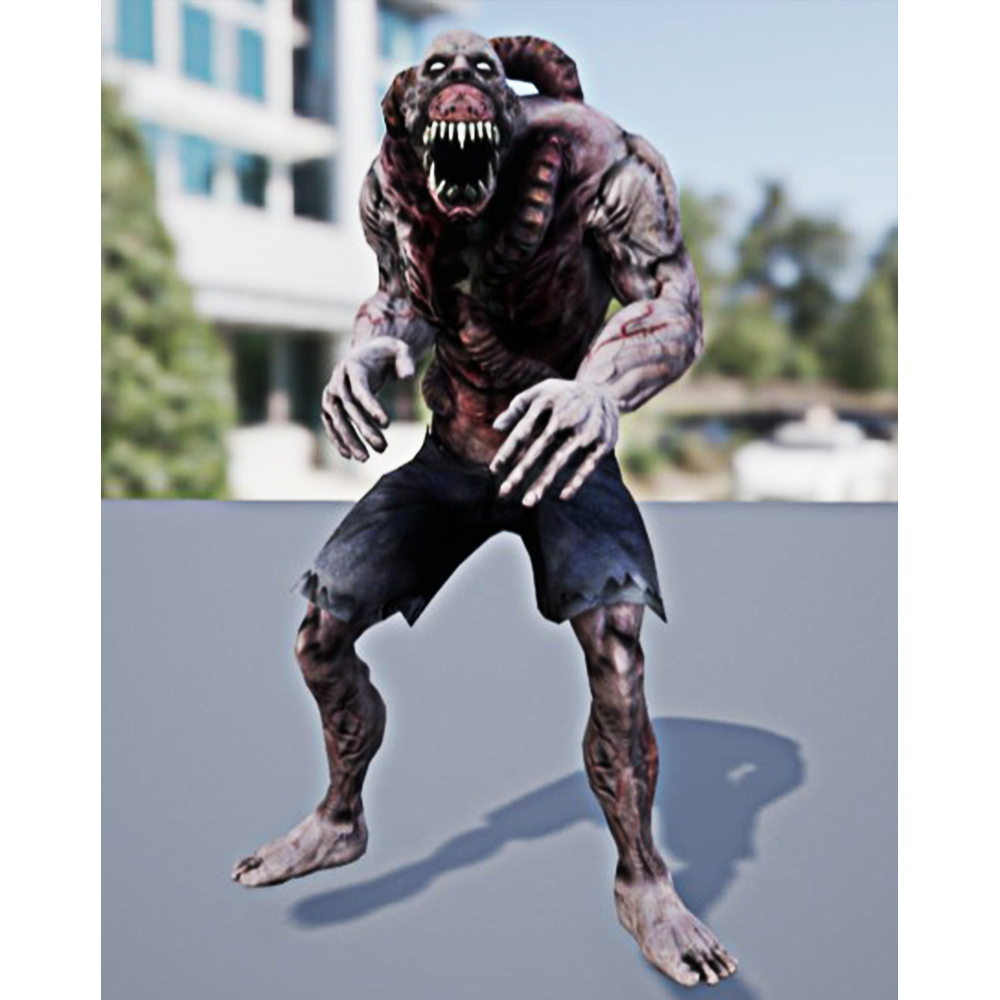
So, I got creative. I exported the AI materials and re-colored them three times using
Photoshop. As a result, the AI’s mesh changes color based on their health percentage,
giving
players a clear indication of how close each zombie is to defeat. What makes me proud
isn’t
the complexity of the solution, but rather its effectiveness in
overcoming a challenge.
Knockback
In the development of Deadwood Dominance, one of the most significant mechanics I implemented
was the AI knockback ability, also known as impulse. Given the game’s hoard-like
zombie
setting, it was crucial to equip the player with a defensive mechanism for those moments
when they’re swarmed by enemies. While it might seem straightforward on the surface,
the
inner workings presented quite a challenge.
Initially, I envisioned a ragdoll-like core for this mechanic. However, it quickly became
clear that this approach was causing more problems than it was solving. So, it was back to
the drawing board for me.
The solution I came up with was the impulse mechanic. Heres how it works: The impulse
performs a multi-sphere trace, checking for the AI Base class. For each AI hit, it checks if
it’s already in the array. If it isn’t, it gets added; if it is, ’s
ignored. Then, each AI
has their behavior aborted to initiate the knockback, which triggers the corresponding
animation. To prevent the player from getting stuck in the knocked-back AI, the collision is
turned off.
After a duration that’s synced with the animation, the collision is turned back on. The
animation then transitions to the standing pose and resumes playing. The behavior tree
switches to attack/chase mode, and the array is cleared.
Death
The AI characters have two distinct death states, each triggered based on the AI’s
current state.
The second state is the ground death state. This state comes into play when the AI character
has been knocked back. In this case, the AI plays a ground death animation, depicting a
death scenario where the AI character is already on the ground.
This dual-state death mechanic adds a layer of realism to the game, making the AI characters
react differently to death based on their current state. It’s these little details that
contribute to the immersive gameplay experience in Deadwood Dominance.